About
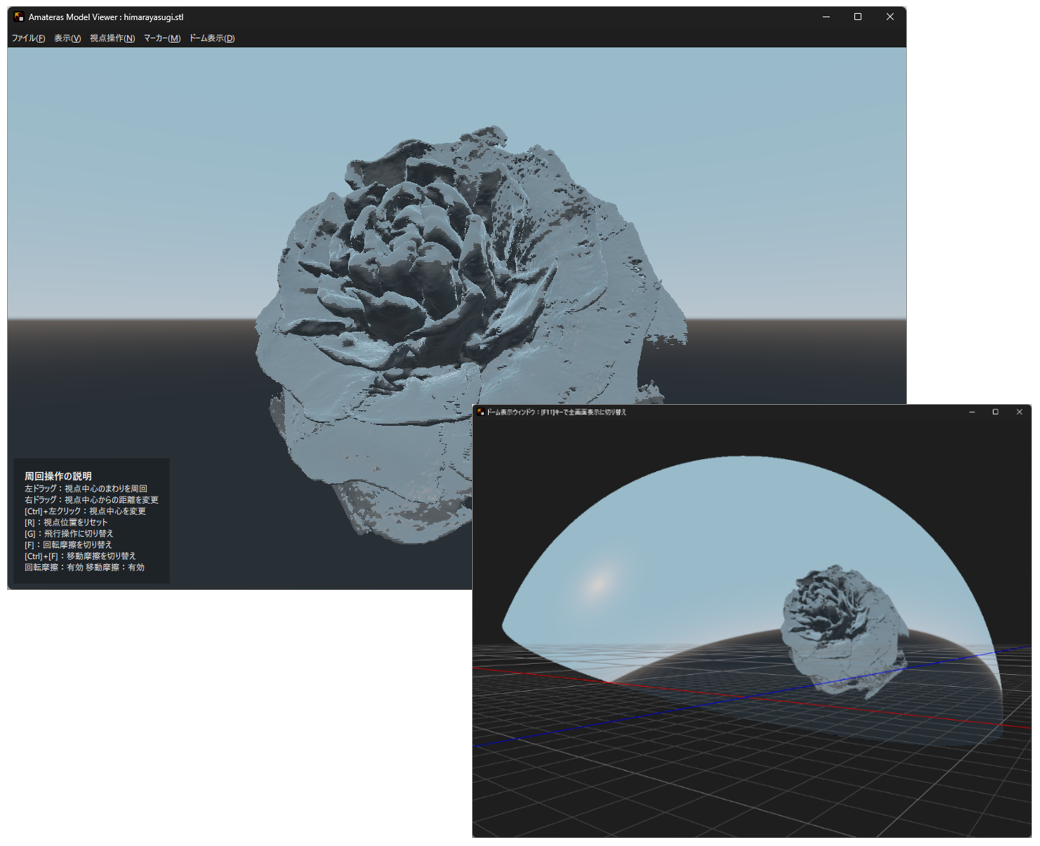
Amateras Model Viewer is a tool for interactively presenting 3D models in planetariums and dome theaters. Planetarium presenters, museum curators, researchers, and guest speakers can use it to practice how their 3D models will appear in the dome, then operate the models themselves during live presentations. It includes features designed specifically for dome theaters, such as dome projection preview, real-time domemaster output, and smooth camera navigation to reduce motion sickness on large screens. It can also be used conveniently for presentations on flat screens and monitors.
Features
Loading and Displaying 3D Models
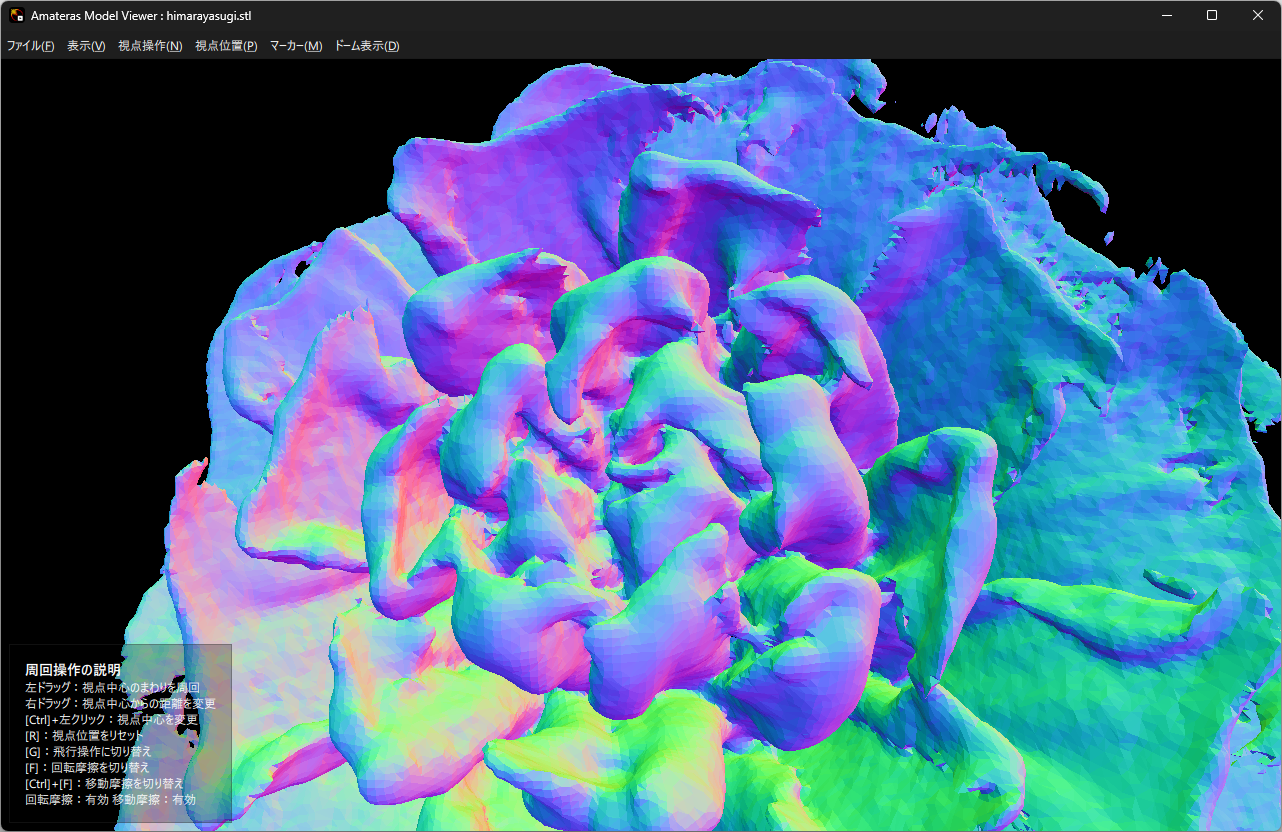
You can instantly view 3D models you created, or scanned 3D data, simply by dragging and dropping them into Amateras Model Viewer.
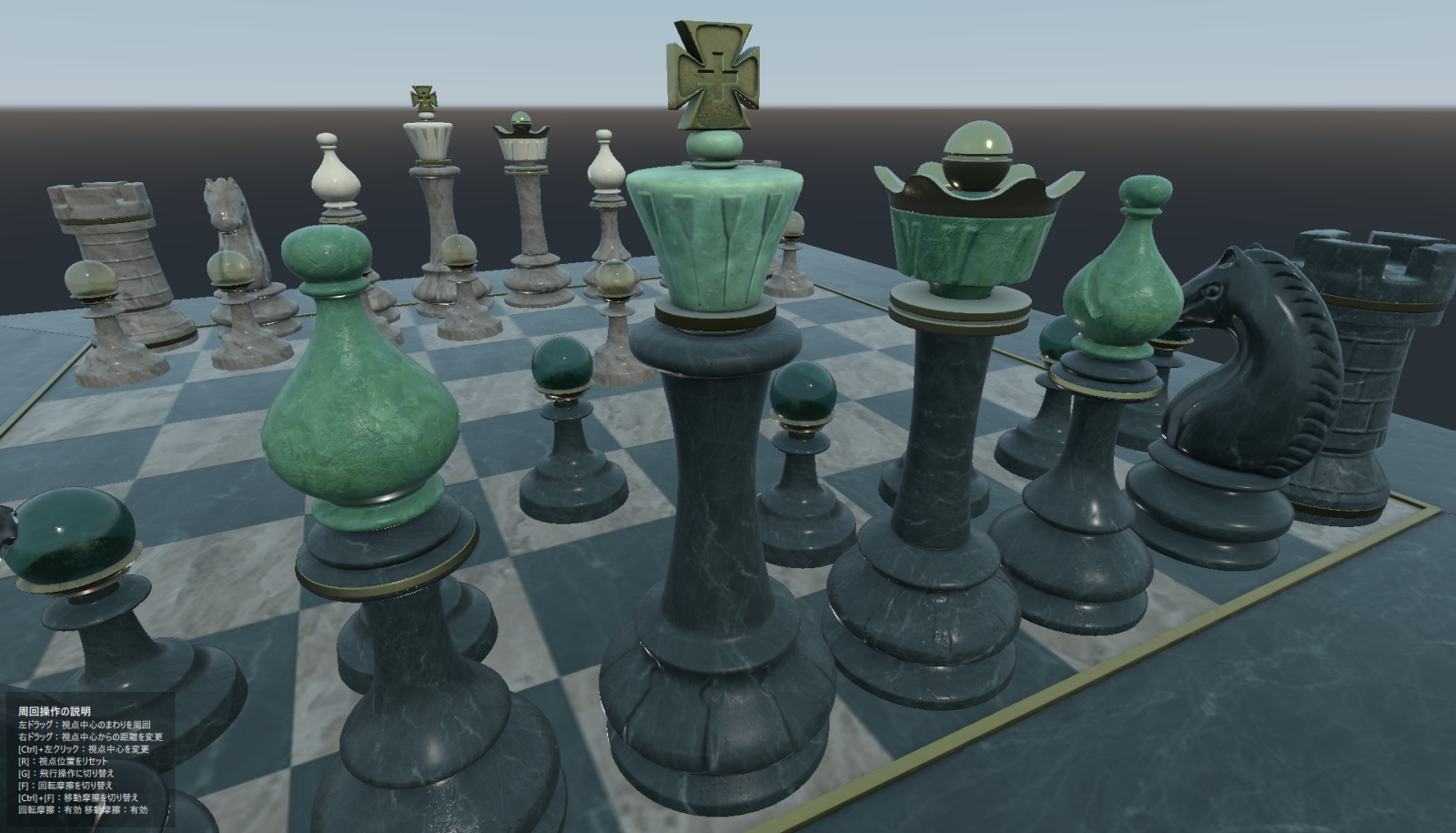
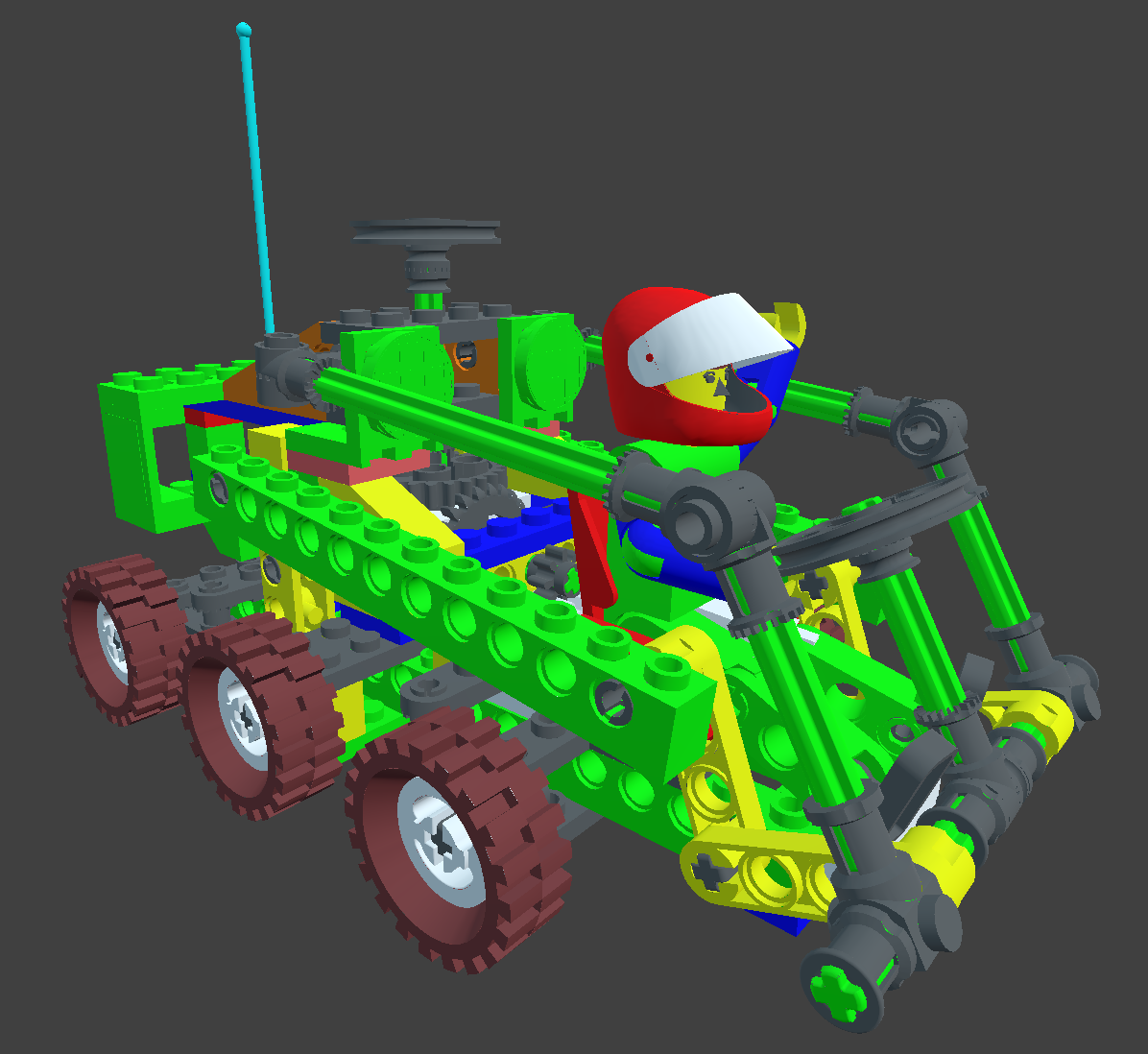
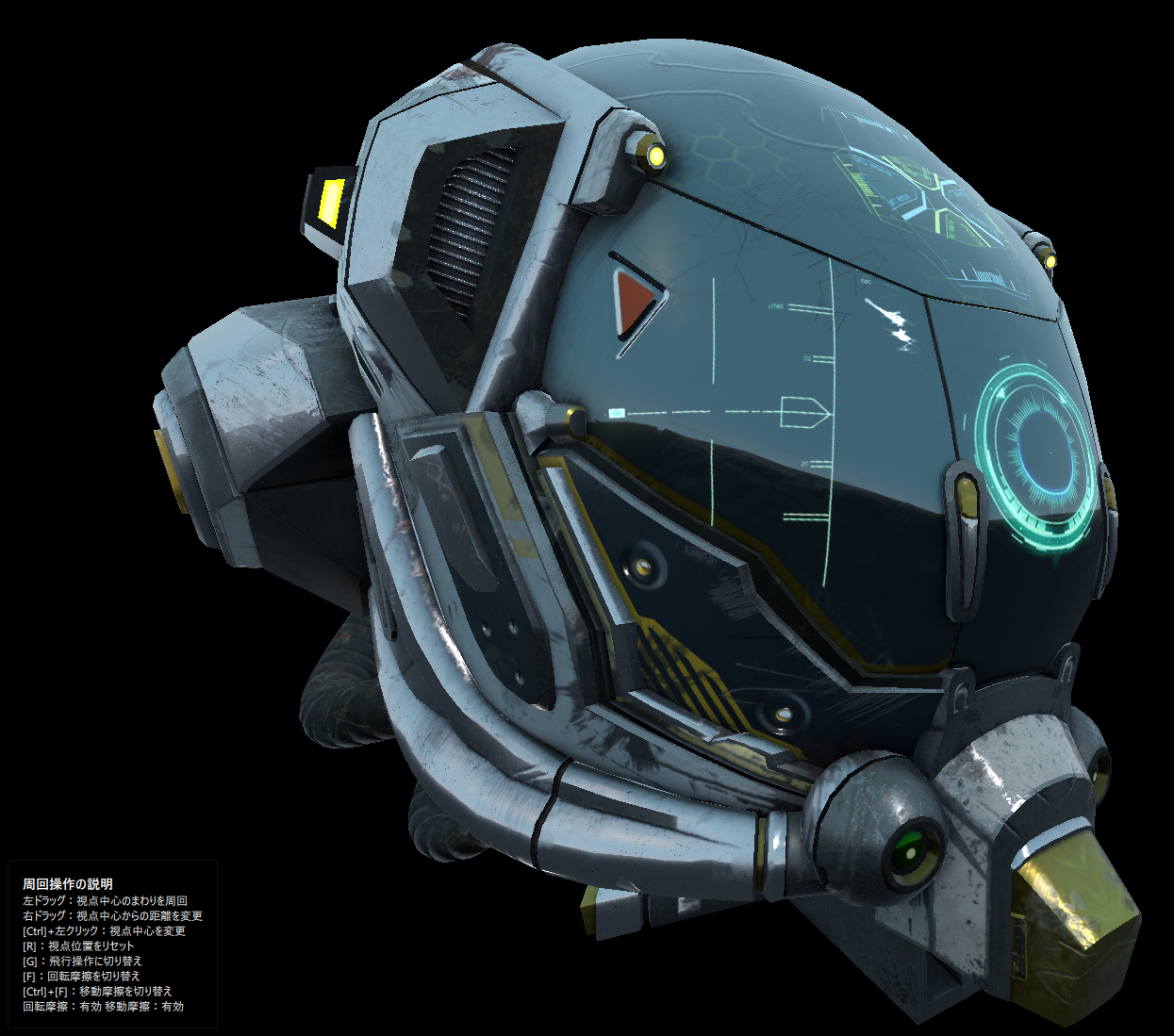
View Controls for Large Screens
To prevent the audience from experiencing motion sickness, Amateras Model Viewer has smooth camera controls designed for viewing on large screens.
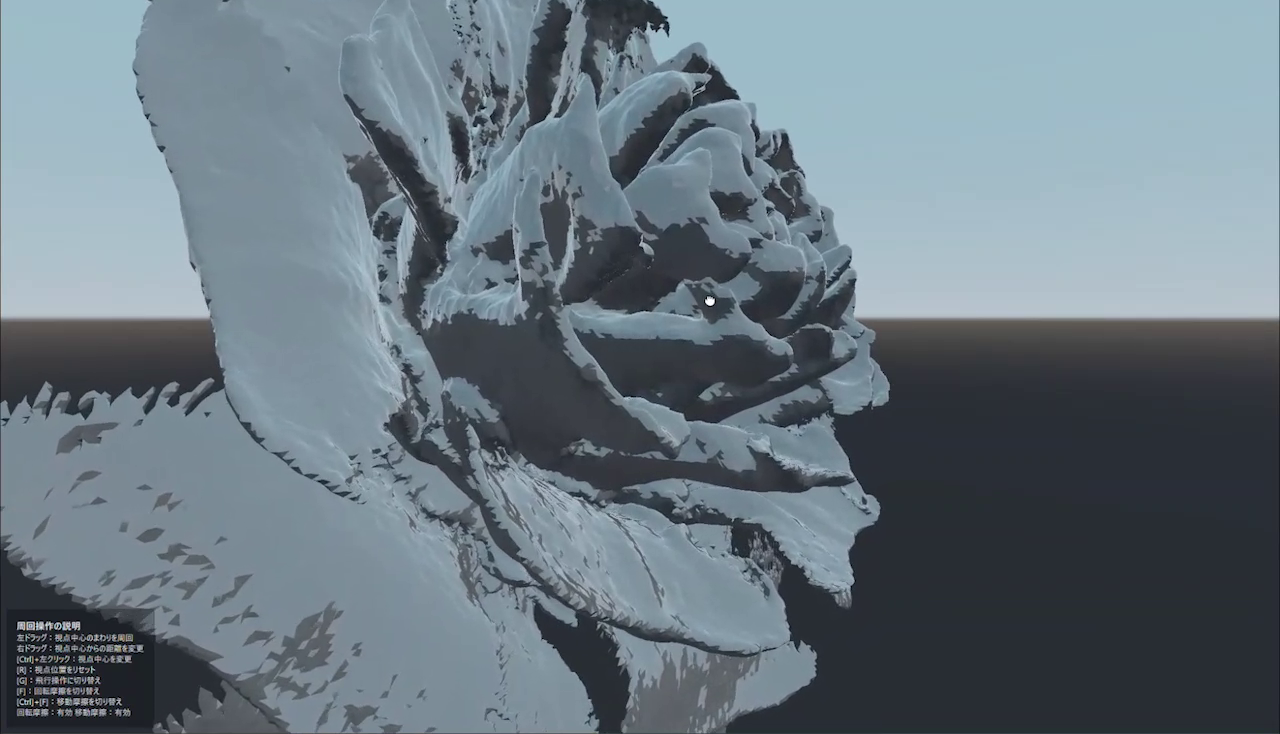
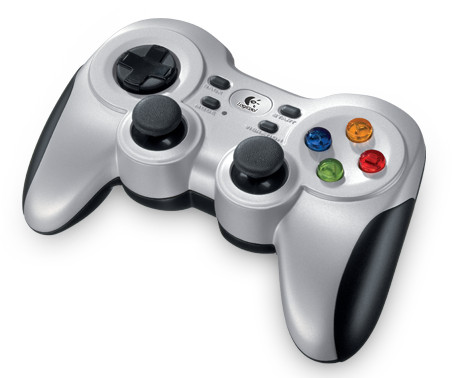
Presentation Support Features
It is no easy task to explain the complex structure of a 3D model to an audience in detail. Amateras Model Viewer has a variety of features to assist in explaining 3D models.
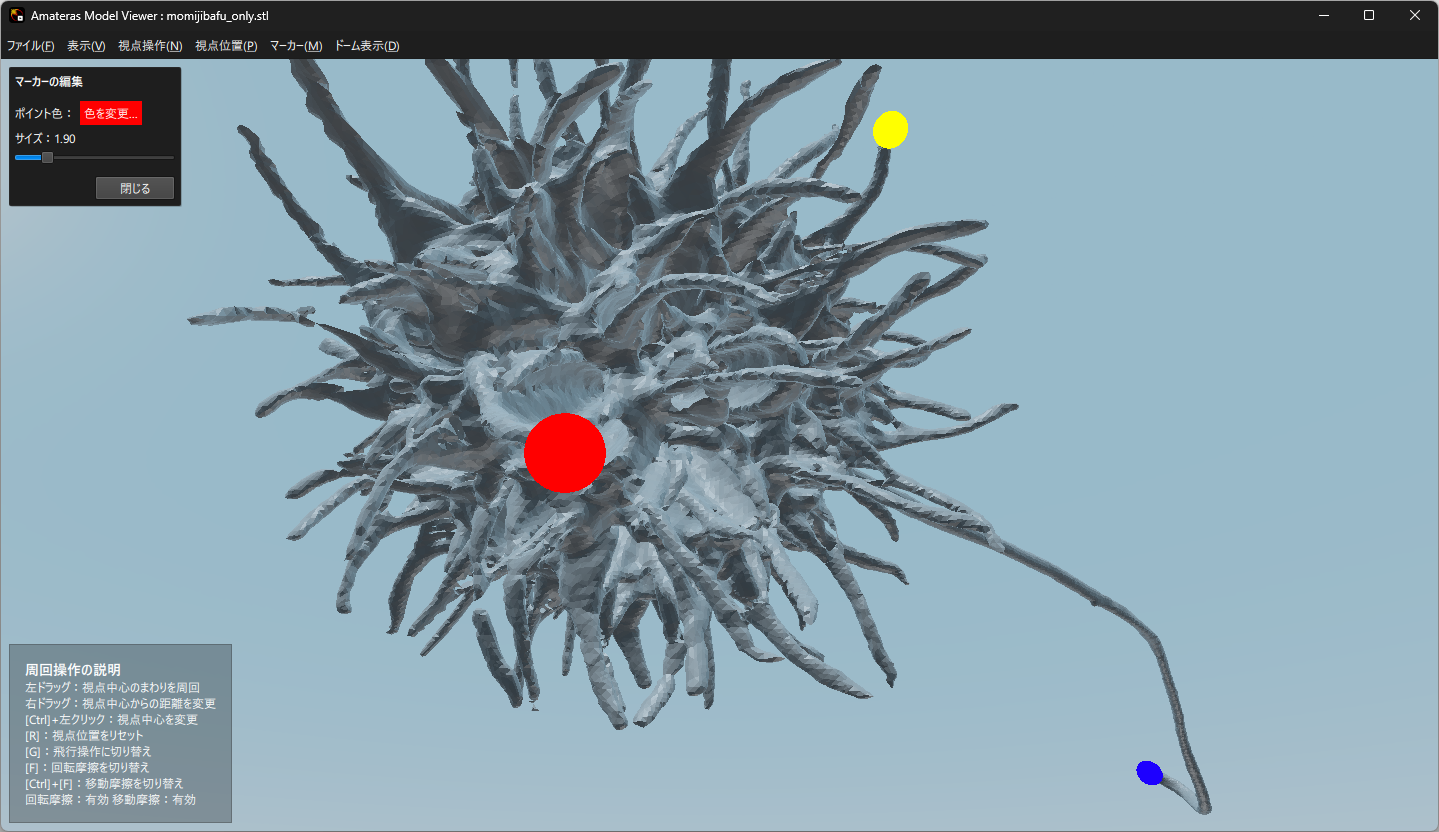
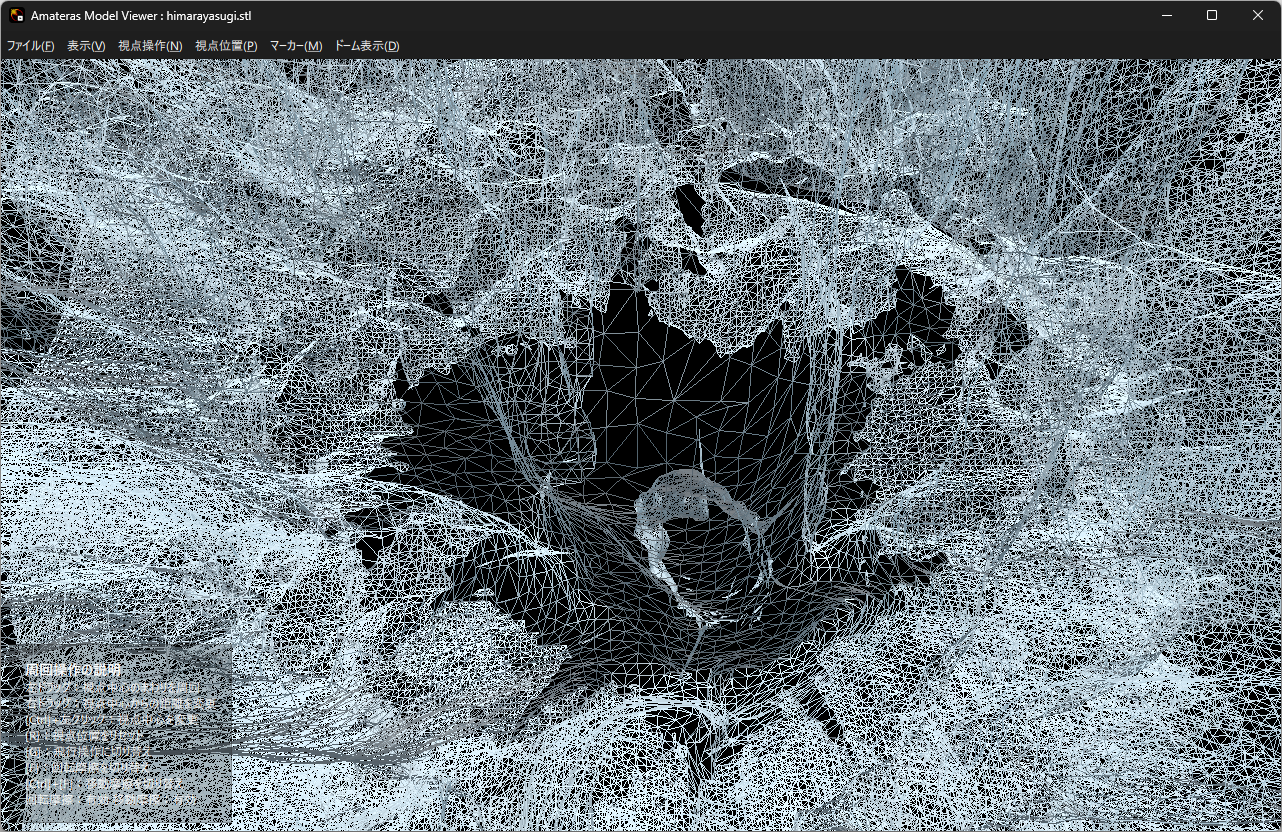
Use in Dome Theaters
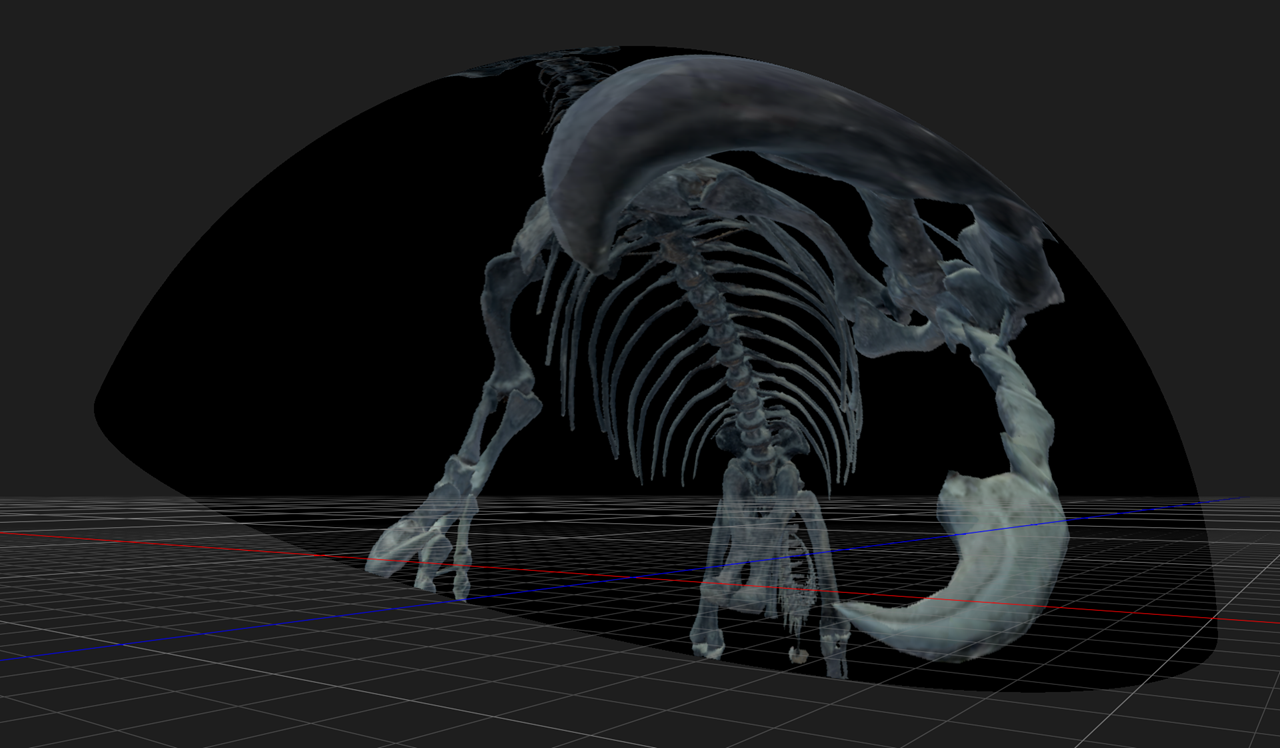
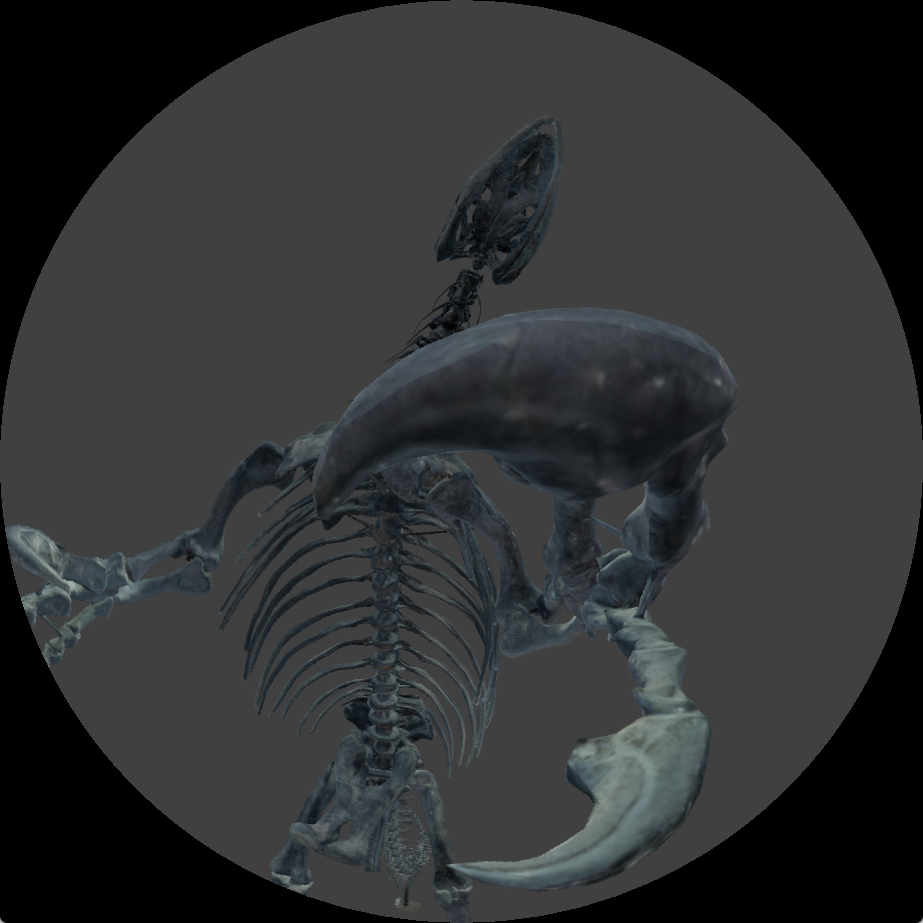
Amateras Model Viewer was developed to make 3D model presentations in dome theaters as easy and natural as presentations on flat screens. Users can prepare and practice dome presentations in advance, even without access to an actual planetarium or dome theater.
Anyone can Get Started Easily
Amateras Model Viewer is available as free software and can be used by anyone. Please feel free to try it and use it to visualize your 3D models in dome theaters.
Download
Latest Version


Change log and old version download
| 2026.5.30 | Amateras Model Viewer 1.2.0
|
|---|---|
| 2025.5.25 | Amateras Model Viewer 1.1.0
|
| 2025.2.3 | Amateras Model Viewer 1.0.0
|
System Requirements
| OS | Windows 10 or later (64bit only) / macOS 12 or later |
|---|---|
| CPU | Intel Core i5 or better / Apple CPU |
| Graphics | NVIDIA GeForce/Quadro graphics card recommended |
Contact
For more information on Amateras products and services, please contact ORIHALCON Technologies, Inc.